Reader-supported: no affiliate links active yet — our rankings can't be bought. How we rank →
Best Apps for Truck Drivers (2026)

On this page
Ten apps. That’s the whole answer. A trucker running OTR doesn’t need thirty icons fighting for space on the home screen — she needs a routing app that won’t send her under a low bridge, a parking app she trusts at 9 PM, a fuel discount that actually shows up at the pump, and a way to photograph receipts before they turn into glove-box confetti. Everything else is noise.
This list is the opinionated version: eight to ten keepers, one line each on what they replace, and a section at the end for the duplicates wasting your storage. Nothing here is ranked number one because different drivers need different things — but every app on this list earned its spot. Prices below were checked against the apps’ own pricing pages and help centers in October 2026. No affiliate links, no sponsored placements.
The home-screen test (what earns a spot)
Before the list, the rule. An app earns a spot on a working driver’s home screen if it does at least one of three things: saves real money (fuel discounts, bypassing weigh-station lines), prevents real problems (low bridges, full parking lots at night), or replaces a paper habit that’s costing you (receipt shoeboxes, handwritten logs of fuel stops).
If an app does none of those — if it’s just a prettier version of something you already have — it fails the test and goes in the delete pile. That filter is the whole method here. It also explains why this list is short: most “top 25 trucking apps” roundups are app-store scrapes with no opinions. Those lists can’t tell you which GPS app to actually open every morning, because they never had to live with the consequences of picking the wrong one.

Navigation (truck routing apps)
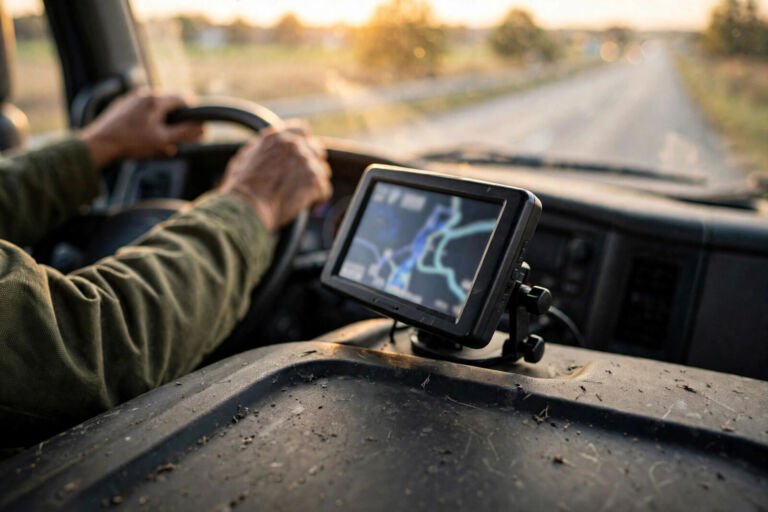
Start here, because this is the category where the wrong pick costs the most. A car GPS will happily route a 13’6″ trailer under an 11’8″ bridge. A truck GPS knows your height, weight, length, and axle count and routes around the problem. If you keep exactly one paid app on your phone, make it one from this section.
Trucker Guide is the aggressive newcomer worth watching. Free to download, with a 7-day free trial of premium navigation — then $4.99/week, $14.99/month, $79.99 for six months, or $149.99/year in the U.S. One honest flag: it’s a young app with loud marketing, and its biggest claims come from its own blog, not independent testing. Trucker Guide says it has 450,000+ trucker-friendly locations, 2,000+ weigh station locations, about 15,000 parking locations, routing by height, width, weight, length, axle count and cargo, and offline navigation across the U.S. and Canada. It also says it carries 80,000+ live DOT road cameras — which is genuinely useful for checking conditions ahead, and also the claim I’d most want to see independently verified before repeating it as fact. The free tier is real and worth trying on a short run before you pay anything.
TruckMap is the quiet free option. It’s a Tenstreet app, free to download, with over 500,000 installs on Google Play — the biggest install base of the free truck GPS apps. There’s a premium subscription tier for enhanced features, but the price isn’t published as a single figure anywhere reliable, so don’t trust a number you see quoted in a forum. What it replaces: the car GPS that nearly killed your trailer.
Hammer is the one that changed in 2026, and most listicles haven’t caught up. Hammer used to be fully free — it was the driver’s darling precisely because it asked for nothing. In 2026 it added a paid tier: advanced features, including full navigation and routing, now require a subscription, while a free basic tier stays. The exact price isn’t published as one clean number and varies by app store, so treat any specific figure you see online as a rumor. What it replaces: still a solid routing app if you’re on the free tier, but it’s no longer the “best free truck GPS, full stop” answer it was in 2024.
The honest take for this category: run exactly one truck routing app as your daily driver. Two routing apps on one phone means two sets of settings to maintain and two apps arguing about which way to turn. Pick one, learn its quirks, and let the others go. If you want a dedicated screen instead of a phone, that’s a different purchase — best truck GPS devices.
Parking and fuel prices
Parking and fuel are the two daily anxieties of OTR life, and they’re related: the cheapest fuel stop is worthless if you can’t park there overnight, and the best parking app earns its keep by telling you the lot is full before you drive twenty miles out of route.
Trucker Path is the parking-availability king. The free tier includes truck stop information, real-time parking availability, the driver community reports, and the TruckLoads free load board. Paid tiers exist — Gold at $149.99/year or $14.99/month after a 7-day trial, Diamond at $249.99/year or $29.99/month — and they add more layers, but the free parking-availability layer is the part most drivers actually open. What it replaces: the “drive and hope” method of finding a spot at 10 PM.
Relay is where you go when free availability data isn’t enough and you want a guaranteed spot. Free to download; it lets you find overnight parking, reserve it, and pay in the app, priced per night (no public list price — it depends on the lot). One naming note, because old listicles still say it wrong: the standalone TruckPark app is gone. It folded into Relay back in 2021. If you see “TruckPark” recommended as a downloadable app, that article is years out of date.
Mudflap is the trucker-native fuel discount play, and it’s free — no activation fee, no monthly fee, no annual fee, no per-card fee, no per-swipe fee, no out-of-network fee. Discounts vary by stop across 3,500+ discount-network stops (70,000+ stops accept it). What it replaces: paying pump price like a four-wheeler. One honesty note: the headline “up to $1.00/gal” figure you see in their marketing is a maximum, not a typical saving — discounts vary by stop, and anyone quoting the max as what you’ll get is selling you something.
GasBuddy is the free fuel-price map — crowdsourced prices, free to download, no account needed to check prices. Premium (Pay with GasBuddy+) runs $9.99/month or $99/year and gets you a guaranteed 20¢/gal on your first 50 gallons a month (then 5¢/gal), plus Allstate roadside assistance and a RepairPal repair hotline; the free linked card earns 2¢–25¢/gal. The caveat, stated plainly: GasBuddy’s crowdsourced prices skew toward gas stations and personal vehicles. Diesel and truck-stop coverage exists but is thinner than trucker-native tools. Use it to sanity-check prices; use Mudflap for actual truck-stop discounts.
For the deeper dive on parking specifically — reservation strategies, the apps versus the lots — .
Weigh stations and weather
Drivewyze handles the weigh-station half. The Weigh Station Heads Up alerts — real-time notifications about upcoming weigh stations and inspection sites — are free. The PreClear bypass subscription, which lets you skip eligible stations legally, starts at $15.75 per vehicle per month, with a free trial and volume discounts for fleets. Name note: you’ll see some sites calling it “Fleetworthy Weigh Station Bypass” now — that’s the parent company. Drivers know it as Drivewyze, and that’s the name to look for in the app store.
The weather half is simpler than the app stores make it look. Whatever weather app you already use on your phone is fine — weather is weather. What’s truck-specific is road conditions, and that’s where your routing app’s road-camera layer earns its keep: Trucker Guide says it carries 80,000+ live DOT road cameras across all 50 states, which is the closest thing to “look at the pass before you climb it” that exists in an app. Check your nav app’s camera or conditions layer before you trust a forecast alone.
Money (receipt scanning, bookkeeping)
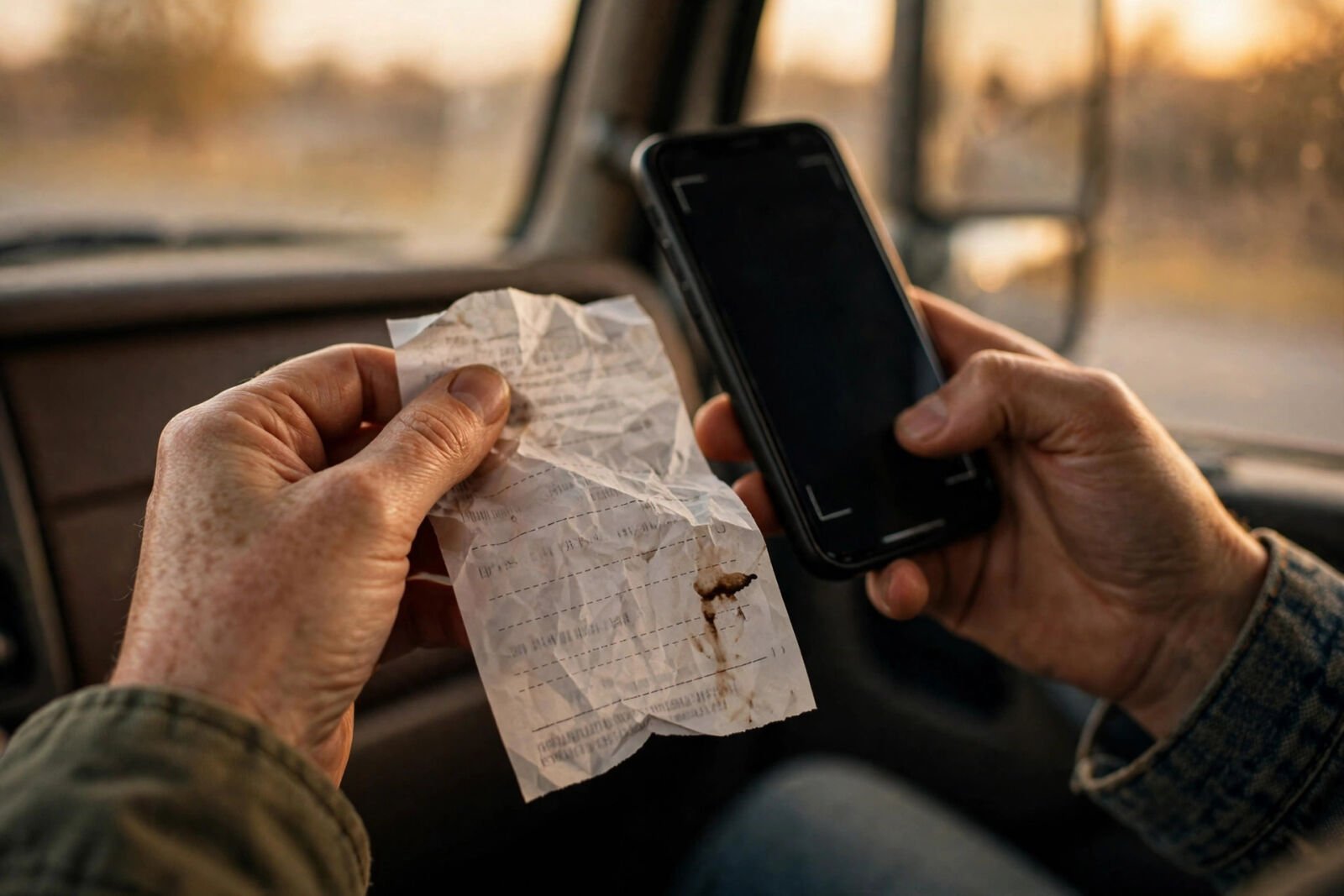
Expensify is the receipt play. The Free Submit workspace lets you submit receipts for free when your company hasn’t adopted Expensify — which covers most owner-operators scanning their own paperwork. Paid tiers exist for bigger operations: Collect at $5 per unique member per month (month-to-month), and Control at $18 per member per month on the annual plan or $36 pay-per-use — with a $9 floor that only applies on the annual plan when you’re running 50%+ of spend through the Expensify Card. The photograph-the-receipt-at-the-pump habit is the whole game here: a crumpled fuel receipt photographed today beats a shoebox of faded paper at tax time.
For the full rundown of scanner apps and the bookkeeping layer above them — best receipt scanner app article.
ELD companion apps
This section is short on purpose. Your ELD already ships with a companion app — that’s the one to use, because it’s the one wired to your actual logs. There is no reason to install a third-party “ELD companion” from the app store. If someone’s selling you a separate app to manage the device you already paid for, that’s not a tool, that’s a toll booth.

Delete this (duplicate apps wasting your storage)
Now the purge list — the part no app-store roundup will write, because it costs them nothing to recommend everything.
Delete your second and third truck GPS apps. Pick one routing app and commit. Every extra one is another map to update, another set of vehicle-profile settings to keep in sync, and another voice arguing with your main one at the interchange.
Delete TruckPark if it’s still on your phone. It’s dead — the service lives inside the Relay app now. A dead icon on your home screen is just a reminder to update your bookmarks.
Pick one fuel approach and delete the other. If you run Mudflap for truck-stop discounts, you don’t need GasBuddy Premium — keep the free GasBuddy for price checks or delete it too. If you’re a local driver fueling at retail stations, the reverse might be true. Two fuel apps means two accounts, two cards, and savings split across both.
Delete the “free trial” graveyard. Every app you downloaded for a 7-day trial in 2024 and never opened again is eating storage and, worse, some of them convert to paid subscriptions quietly. Scroll your home screen once a quarter. If you can’t remember what an app does, that’s your answer.
The stack in one glance
Ten keepers, one line each. No ranking — the right mix depends on how you run.
- Trucker Guide — truck routing with offline maps; free download, premium from $14.99/mo
- TruckMap — free truck GPS with the biggest free install base; premium tier exists
- Hammer — routing app, free basic tier; full navigation now needs a paid subscription
- Trucker Path — real-time parking availability and truck stop info; free tier does the job
- Relay — reserve and pay for overnight parking in-app; free download
- Mudflap — truck-stop fuel discounts; free, genuinely zero fees
- GasBuddy — free crowdsourced fuel-price maps; premium $9.99/mo if you want the guaranteed discount
- Drivewyze — free weigh-station alerts; bypass subscription from $15.75/vehicle/mo
- Expensify — photograph receipts before they fade; free submit tier
- DAT One — the load board in your pocket; app free, load board from $59/mo
Comparison table: what each app replaces
| App | What it replaces | Free or paid |
|---|---|---|
| Trucker Guide | Car GPS that ignores bridge heights | Free download + 7-day trial; premium $4.99/wk, $14.99/mo, $79.99/6 mo, $149.99/yr |
| TruckMap | Free; premium tier exists (price not published) | Free download + 7-day trial; premium $4.99/wk, $14.99/mo, $79.99/6 mo, $149.99/yr |
| Hammer | Car GPS that ignores bridge heights | Free basic tier; paid subscription for full navigation (price varies) |
| Trucker Path | Driving around hoping for a parking spot | Free tier (parking availability, truck stops, community); Gold $149.99/yr or $14.99/mo; Diamond $249.99/yr or $29.99/mo |
| Relay | Showing up to a full lot at midnight | Free app; parking priced per night (no public list price) |
| Mudflap | Paying full pump price | Free; zero fees of any kind |
| GasBuddy | Guessing which exit has cheaper diesel | Free price maps; Premium $9.99/mo or $99/yr |
| Drivewyze | Pulling into every weigh station | Free alerts; PreClear bypass from $15.75/vehicle/mo |
| Expensify | The glove-box receipt shoebox | Free Submit tier; Collect $5/member/mo; Control $18/member/mo annual |
| DAT One | Calling brokers blind for the next load | Free app; load board from $59/mo (DAT doesn’t publish a fixed price list) |
FAQ
How many apps does a trucker really need?
About ten, and the list above is the shape of it: one routing app, one parking app, one or two fuel apps, weigh-station alerts, a receipt scanner, and your load board. If you’re past fifteen trucking apps, you have duplicates — check the delete section.
Which trucking apps work offline?
Offline capability is worth checking before you need it, not after. Trucker Guide says its navigation works offline across the U.S. and Canada — useful in dead zones, and one of the stronger reasons to look at its free tier. For everything else on this list, download your maps and data while you have signal and confirm offline behavior in the app’s settings before you roll through West Texas.
Do I need the paid versions?
Mostly no. The free tiers cover parking availability (Trucker Path), weigh-station alerts (Drivewyze), fuel discounts (Mudflap), price maps (GasBuddy), and receipt scanning (Expensify). The two places paid tiers genuinely matter: your daily routing app, if you run one all day every day — and the DAT load board, which has no permanent free tier, only a trial.
What’s the best free trucker app stack?
TruckMap or Hammer’s free tier for routing, Trucker Path’s free tier for parking availability, Mudflap for fuel discounts, Drivewyze’s free Heads Up alerts for weigh stations, and Expensify’s Free Submit for receipts. That’s a complete working stack at zero dollars a month — the paid tiers buy convenience and depth, not access.
What to do next
This article is the front door — now pick a category and go deeper. If routing is your weak spot, compare the dedicated hardware: best truck GPS devices. If parking keeps you up at night, the reservation playbook is here: . If receipts are the mess, sort the scanner apps: best receipt scanner app. And if the next load is the question, that’s a different comparison entirely: DAT vs Truckstop.
The home screen is prime real estate. Ten apps, each earning its spot — everything else is just storage you’ll never get back.
- Independent testing
- No sponsored rankings
- Prices verified October 2026